23 August 2026 · Bharat Raj · originally published on Compoden
The CNC Plotter Kit: Your First Real Machine Tool
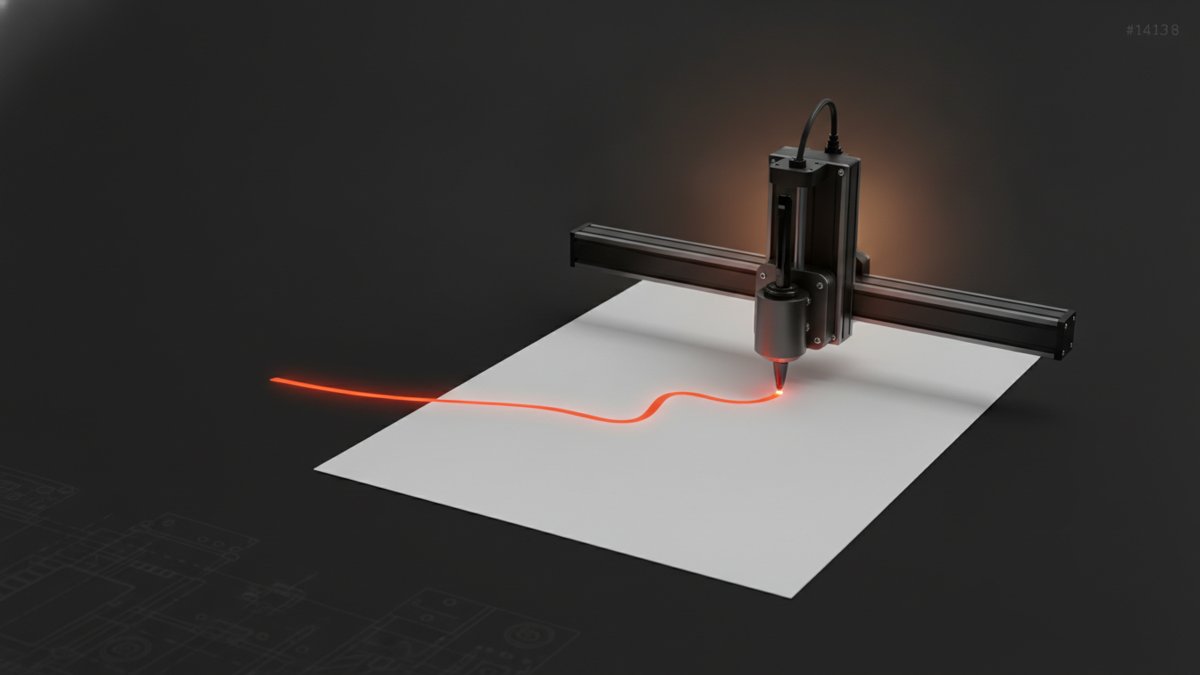
The CNC Plotter Kit with Arduino Uno & NEMA Stepper Motors (₹5,040) is the point where Arduino projects stop being toys and start being machine tools. You build a 2-axis pen plotter: two NEMA17 steppers drive X and Y along 400 mm linear rails via GT2 belts, an SG90 servo lifts the pen, and the whole machine runs open-source GRBL firmware — the same G-code standard used by laser cutters and 3D printers. This is an Advanced kit with an honest 10–12 hour build including soldering (the iron is in the box), and the reward is a desktop machine that draws vector art, circuit schematics and even handwriting on A4 paper from standard G-code. Once GRBL is on the board, every CNC tool in the open-source ecosystem — toolpath generators, G-code senders — becomes yours to use.
What's in the box
Arduino Uno R3, two NEMA17 stepper motors, two A4988 stepper drivers, a CNC Shield V3, an SG90 servo for the pen lift, a 12V 2A power supply, two 1-metre GT2 belts with 20-tooth pulleys, two 400 mm linear rails, 100nF capacitors, M3 hardware, and — unusually — a soldering iron and solder wire, because this build assumes real assembly work. The 400 mm rails give a drawing area up to roughly A4 (210 × 297 mm). The Uno ships blank: flashing GRBL v1.1 and configuring it is part of the build, deliberately, so you understand the machine's logic rather than receiving a black box.
What you'll learn
- Stepper motor control done properly — tuning A4988 drivers for microstepping and current limit, the skill that separates smooth motion from missed steps and singing motors.
- G-code as a language — how G0/G1 moves and G2/G3 arcs become coordinated motor steps, and how steps/mm calibration ties software units to physical belts.
- Z-axis timing — servo-controlled pen lift that drops and raises at exactly the right moments, the plotter's version of tool control.
- Precision debugging — homing routines, belt tension, and diagnosing motion artifacts: skills that transfer directly to 3D printers and laser cutters.
The build, honestly
Ten to twelve hours is real, and it splits roughly into mechanics, electronics and configuration. The mechanical phase — rails, belts, pulleys — is where the machine's final quality is decided: a slightly slack belt shows up later as wavy lines, so tension carefully now. The step that trips most builders is A4988 current limiting: set the driver current too low and the steppers stall mid-drawing; too high and drivers overheat and skip. It's a ten-minute job with a multimeter once you understand it, and the guidance walks you through it. Expect your first plots to reveal calibration sins (circles that come out oval mean steps/mm is off) — iterating to crisp output is the satisfying final stretch. Soldering is required; the iron and wire are supplied.
Who it's for — and who should skip it
Aimed at engineering undergraduates tackling precision-motion projects, hackathon teams prototyping automated drawing or documentation, Class 11–12 students ready to graduate from Arduino basics to CNC-level machinery, and hobbyists who want a real G-code machine without sourcing thirteen components from five vendors.
Skip it if you haven't yet built anything with motors — this kit assumes you can already wire and debug; a first robot like our Obstacle Avoiding Robot Kit will serve you far better this month. If precision motion appeals but the budget doesn't, the Ball Balancer PID Kit teaches closed-loop control at half the price. This kit is the right buy when you specifically want to make things that make things.
FAQ
What can it draw on, and how big?
Up to roughly A4 (210 × 297 mm) with ballpoint or felt-tip pens; the pen holder can be adapted for pencils, or a light laser module (sold separately, with proper safety precautions) for engraving.
Is GRBL pre-installed?
No — the Uno arrives unflashed, and you upload GRBL v1.1 and configure parameters like steps/mm as part of the build. This is intentional: you end up understanding the machine's motion logic.
What if a driver or servo is faulty?
Manufacturing defects are covered by a 7-day replacement policy — send a short video of the issue and a replacement ships from Bengaluru.
The kit arrives pre-loaded in Soldr, our AI build assistant, which generates the wiring, the GRBL configuration steps and troubleshooting — from belt tension to current limits — for this exact machine.