23 August 2026 · Bharat Raj · originally published on Compoden
A Camera That Follows Things: The Vision Tracker Kit
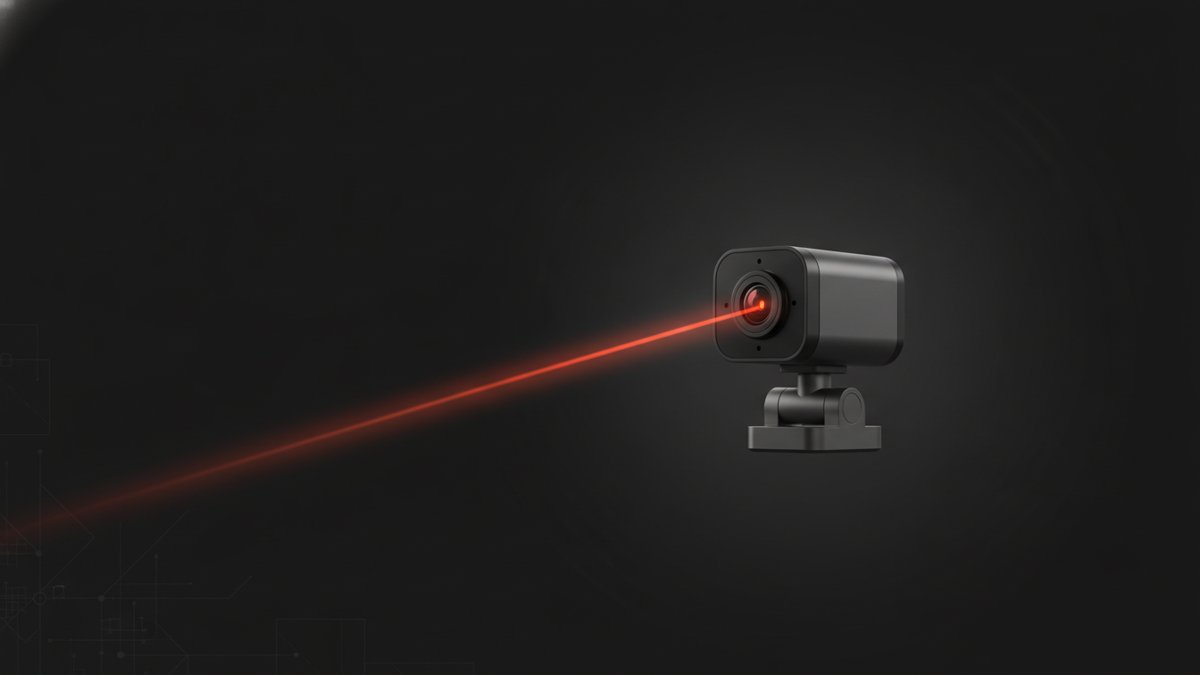
The Vision Tracker Kit with Arduino Uno & OpenMV Cam (₹1,090) builds a two-axis pan-tilt camera platform that locks onto a coloured object and follows it as it moves. An OpenMV Cam M7 runs the machine vision — colour thresholding and blob detection on the camera itself — and streams target coordinates over a soldered UART link to an Arduino Uno, which converts them into angles for two MG90S servos on a pan-tilt bracket. This is an Advanced kit with an 8–10 hour build that requires soldering (iron and solder included), and it is the cheapest route in our range to real embedded computer vision — a camera that thinks, not a camera that streams to a laptop. The finished gimbal tracks a coloured ball, a glowing LED or a marker with fluid precision, and works as the eyes of a sentry robot or a hackathon prototype.
What's in the box
Arduino Uno R3, OpenMV Cam M7, two MG90S servos, a pan-tilt bracket kit, resistors (4.7kΩ and 10kΩ), 100nF capacitors, a 5V 2A power supply, a PCB prototype board, 25 male-female jumper wires, and a soldering iron with solder wire. The soldering is not optional decoration: a reliable UART link between camera and Arduino needs soldered joints, because breadboard contacts cause intermittent data drops that look exactly like software bugs. A ready-to-run vision script is provided, so you tune thresholds rather than writing vision code from scratch; the free OpenMV IDE (Windows, macOS, Linux) uploads it.
What you'll learn
- Colour thresholding and blob detection — in the OpenMV IDE you see exactly what the camera sees and which pixels pass your threshold, the clearest introduction to machine vision there is.
- UART communication between two processors — a vision processor talking to a control processor is the architecture of real robots, scaled to a desk.
- Pan-tilt kinematic mapping — converting blob coordinates in the image frame into servo corrections that centre the target smoothly.
- System integration — soldering, power management and mechanical assembly of a multi-component system, which is what "Advanced" genuinely means here.
The build, honestly
Budget the full 8–10 hours across three phases: mechanical (bracket and servos), electrical (soldered UART and power), and tuning. The step that trips people up is colour thresholding under real lighting — a threshold tuned in the evening under warm bulbs will lose the target by a sunny window, because "orange ball" is a different set of pixel values in every light. The OpenMV IDE makes iterating easy, but expect to revisit thresholds whenever the scene changes; stable indoor lighting is the platform's happy place, and outdoor use in direct sun needs enclosure and re-tuning. The second honest note: take the soldering seriously. Most "tracking is glitchy" reports trace back to a UART joint, not the code.
Who it's for — and who should skip it
Engineered for ECE, EEE and CSE undergraduates who want tangible embedded-vision experience, robotics club members, and final-year students building object-tracking projects. Basic Arduino familiarity and comfort with a soldering iron are the stated prerequisites, and they're real ones.
Skip it as a first project — debugging a two-processor system without wiring instincts is a rough introduction. Build our Obstacle Avoiding Robot Kit or the Bluetooth RC Car Kit first. If control theory interests you more than vision, the Ball Balancer PID Kit is the comparable-depth alternative; if you want vision and locomotion eventually, this gimbal is designed to become the head of a larger robot later.
FAQ
Do I need the OpenMV IDE?
Yes — the free OpenMV IDE uploads the script and fine-tunes colour thresholds. A ready-to-run script is provided, so no vision code needs writing from scratch.
Can it work outdoors?
It performs best under stable indoor lighting. Direct sunlight requires enclosing the setup and adjusting thresholds to handle glare.
Can I skip soldering and use a breadboard?
Not for the UART link — breadboard contacts cause intermittent data drops. The kit includes the iron, solder and PCB prototype board, and every joint is documented.
The kit arrives pre-loaded in Soldr, our AI build assistant, which generates the wiring, both firmware sides and troubleshooting — threshold tuning included — for this exact tracker.